
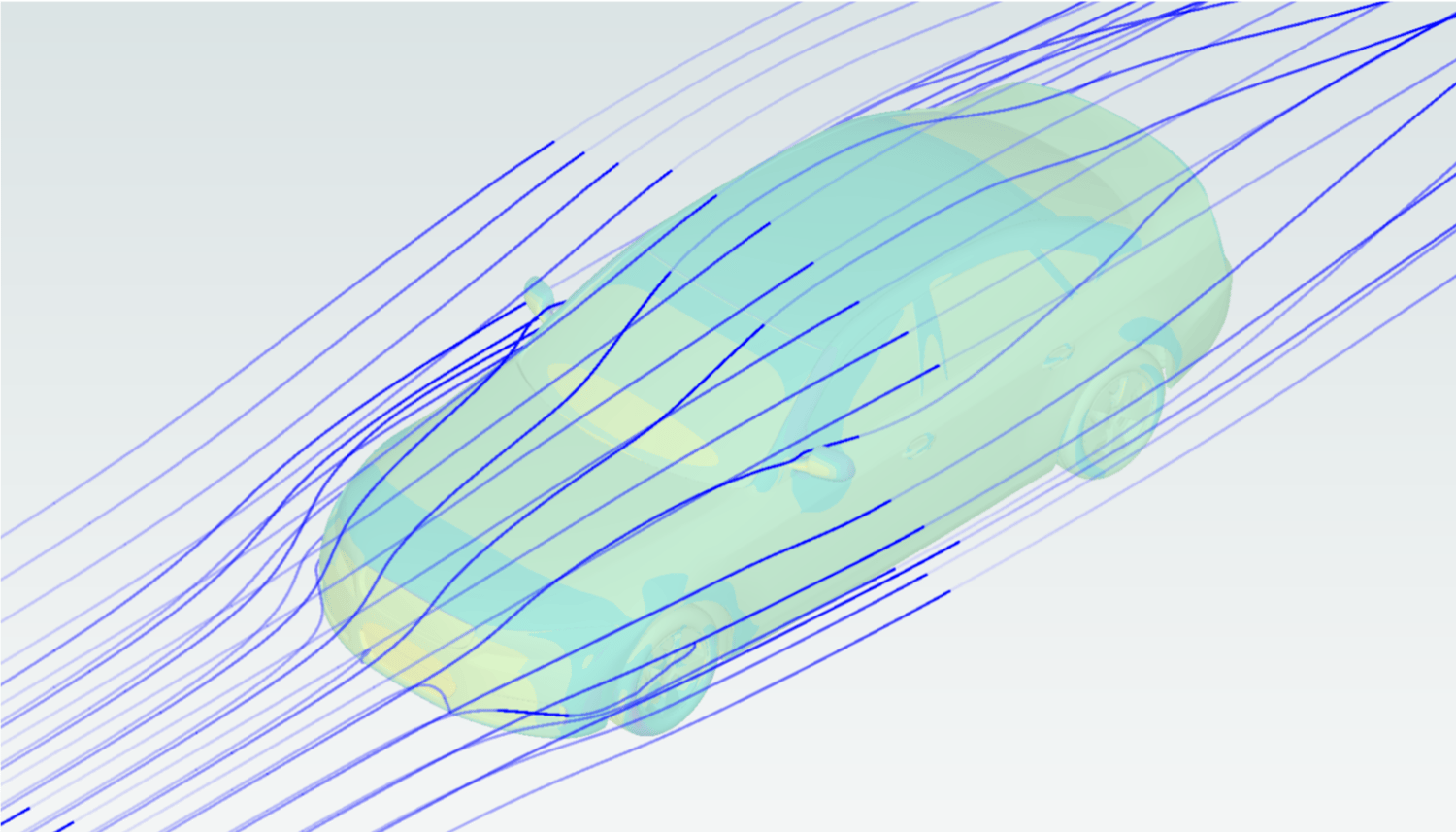
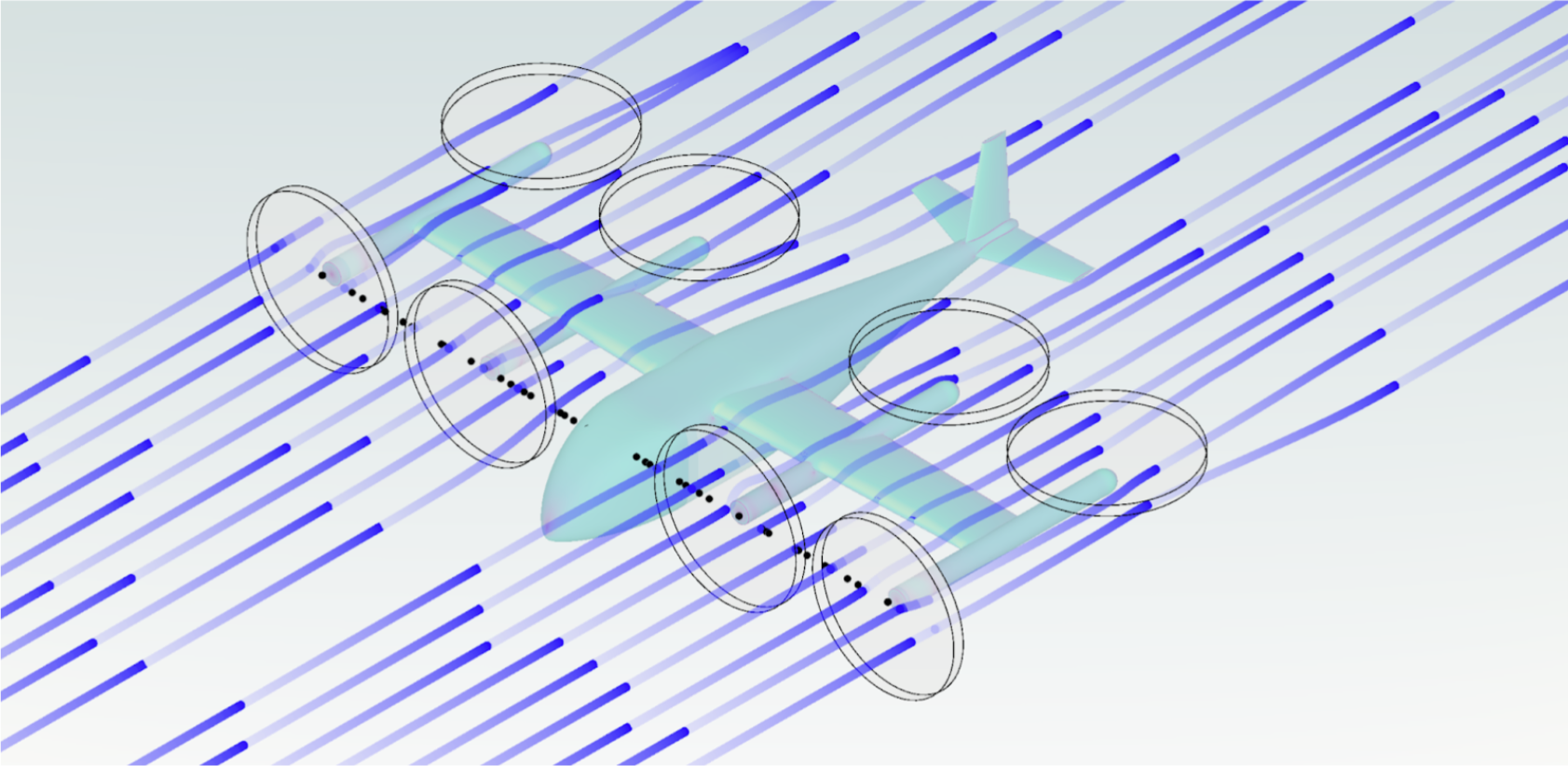
Understanding the detailed behaviour of flow is essential for accurate analysis and effective communication of results. The latest release of Flow360 introduces visualization of streamlines, a powerful way to bring your simulations to life and highlight key flow features.
With streamlines, you can:
-
Reveal recirculation zones, vortex structures, and flow separation
-
Build deeper intuition about how the flow interacts with your geometry
-
Present results clearly with visuals that speak for themselves
The WebUI provides an intuitive setup for generating streamlines, making it simple to transform raw CFD output into meaningful visualizations. Check out the video below that shows how to activate streamlines in your next Flow360 simulation.
For API users, use the newly added flow360.StreamlineOutput, to easily specify points from which you want the streamlines to pass for your simulation.
Ready to take your visualizations to the next level? Add a streamline in your next simulation and unlock a new way to see, understand, and communicate the physics behind your results.

.gif)
.png)